Bookmarks
Overview
Use the Bookmarks to save the Aim Explorer state. This includes search query, aggregations and any other modifications applied to the explorer. The Bookmarks page is a list of cards to quickly access the explorer state with one click.

There are bookmark buttons available on all Explorer pages - on the top right . In order to create a bookmark, just press the bookmark button on your preferred Explorer page.

This will open a create bookmark form with fields for title and description.
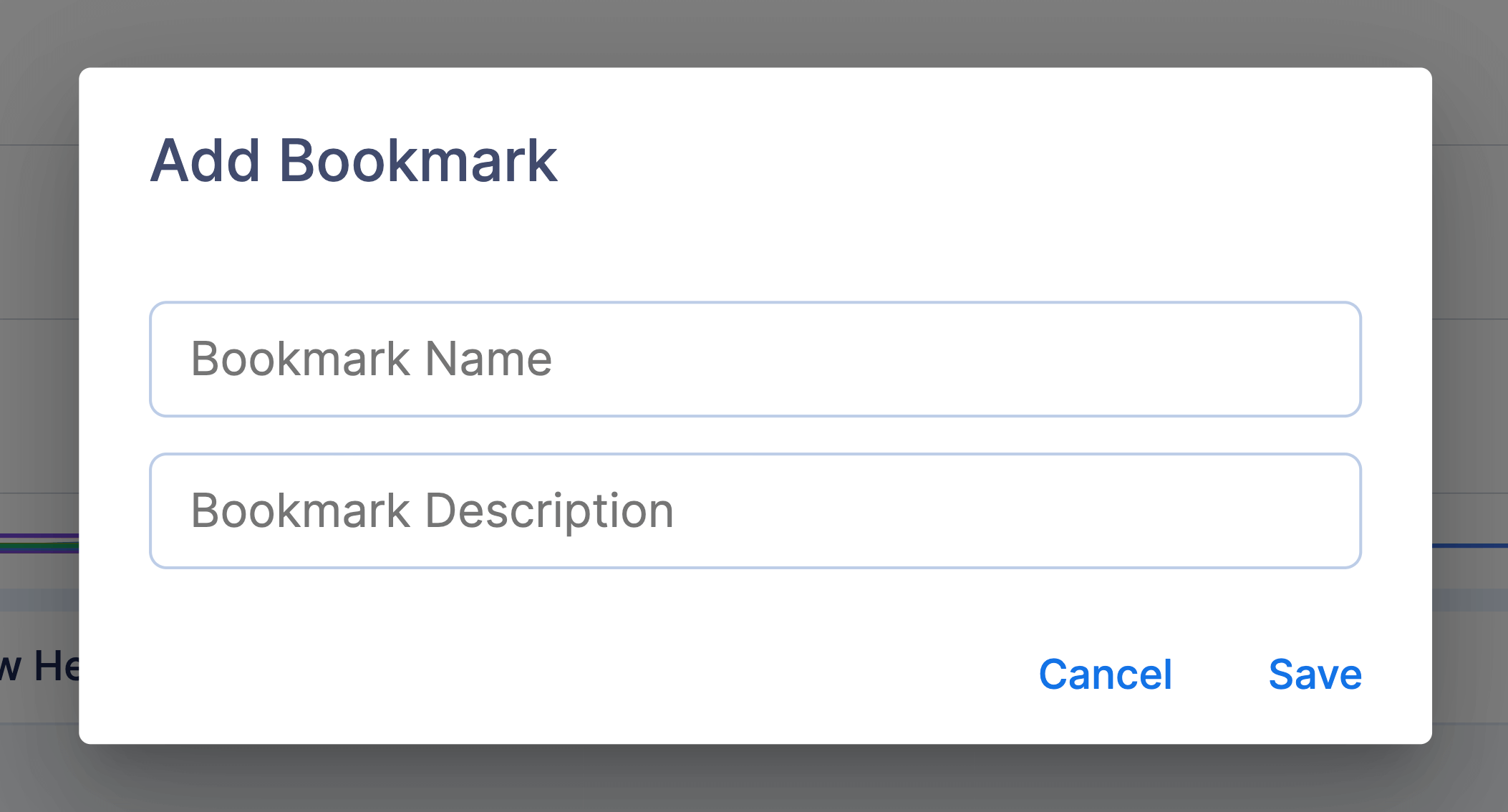
The created bookmark will contain all the current configuration of the explorer.
The Bookmark Card

Each of the bookmark cards contains the following:
Explorer Icon
Title
View Bookmark button
Delete Bookmark button
Search query
Selected metrics and params
Delete Bookmark
Clicking the delete bookmark button will open a modal, where you can confirm or cancel the deletion.
